Place your phone, trace the on-screen guide in AR, or generate any sketch from a single word with AI. ARDraw turns your iPhone into a magical drawing assistant — for kids, hobbyists and artists.
No artistic skill required. Just point, trace, and watch the result come to life on real paper.
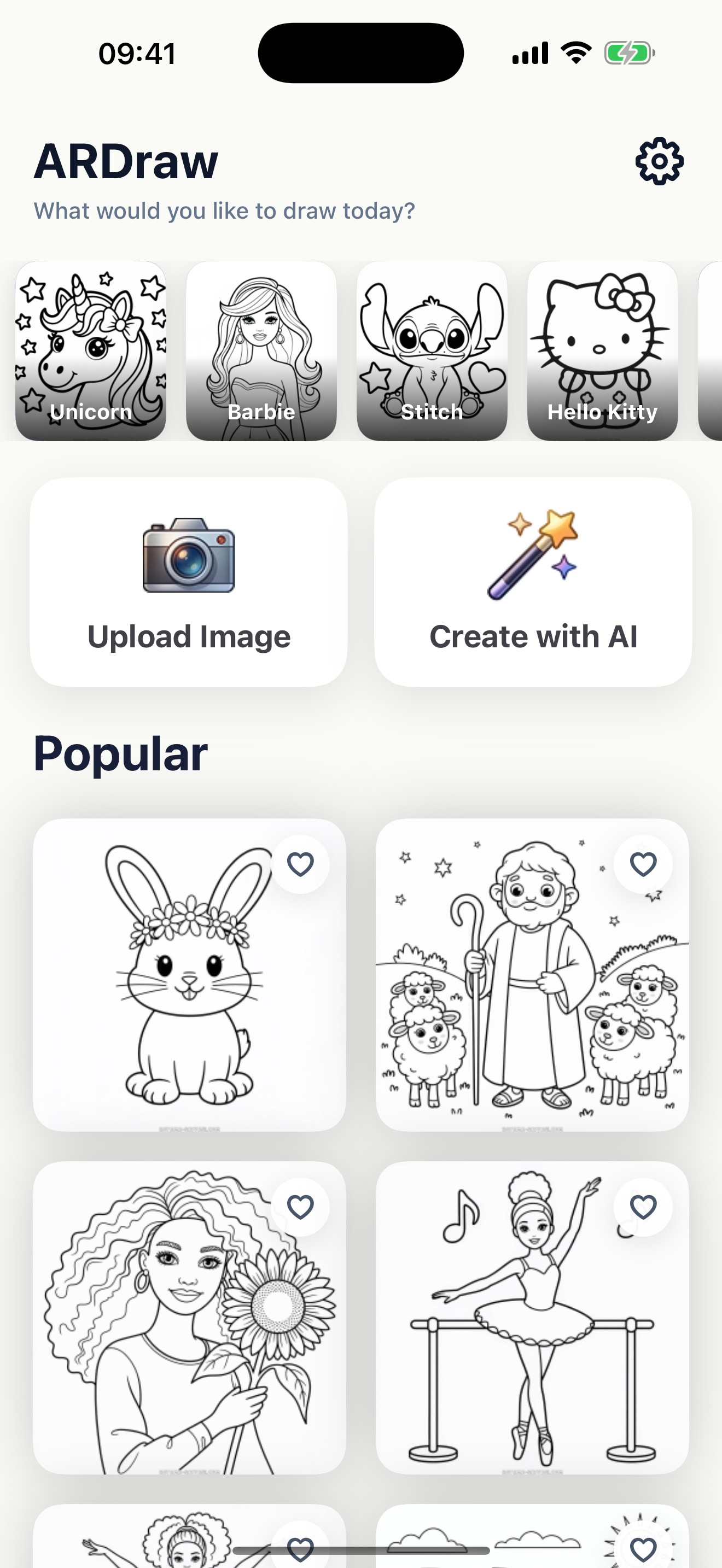
Browse 1,000+ ready-made sketches — Unicorns, Stitch, Hello Kitty, Barbie, animals, anime & more — or generate your own with AI.
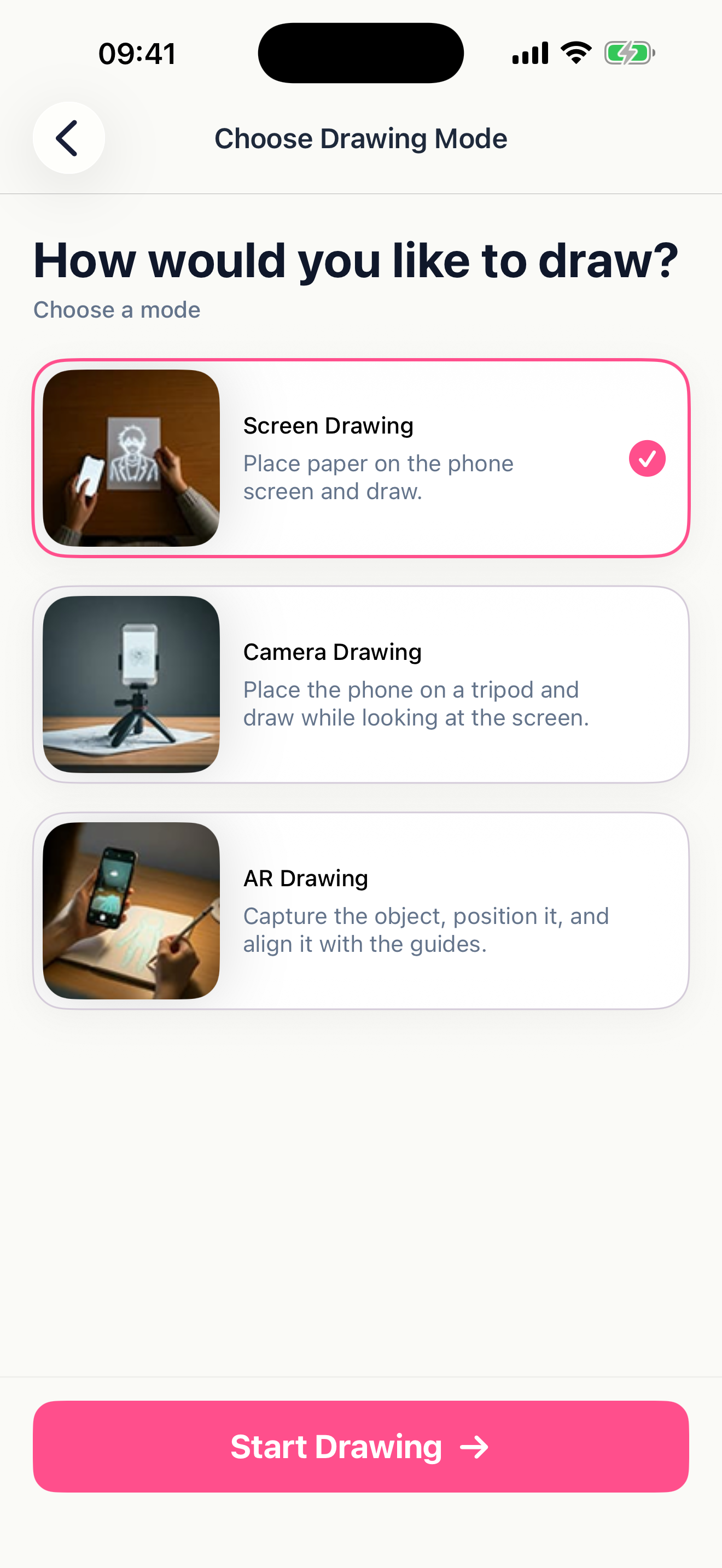
AR Drawing, Screen Drawing, or Camera Mode. Each one perfectly aligns the guide with your paper or screen.
Hold your phone steady and trace the lines you see. In minutes you'll have a finished drawing — and the confidence to make more.
Project the drawing directly onto real paper through your camera. Move freely — the guide stays anchored where you placed it.
No camera, no fuss. Trace the outline directly on the screen with your finger or Apple Pencil — perfect for digital sketching.
Use your camera as a magic mirror. The drawing follows your view in real time so you can position it anywhere.
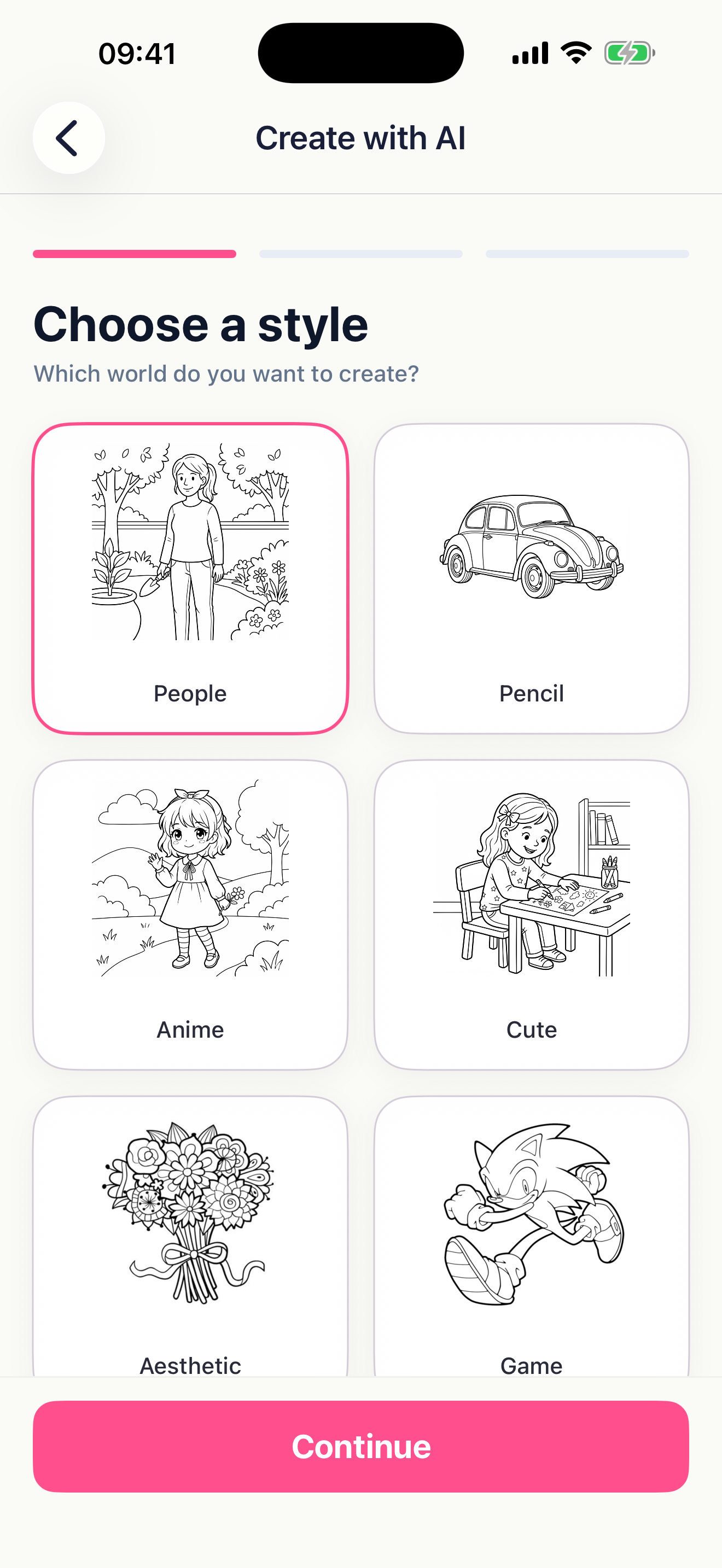
Type any idea — "a dragon eating spaghetti" — pick a difficulty level, and ARDraw generates a brand-new line drawing for you to trace.
Hand-picked categories your kids will recognize instantly — and grown-ups will love too.
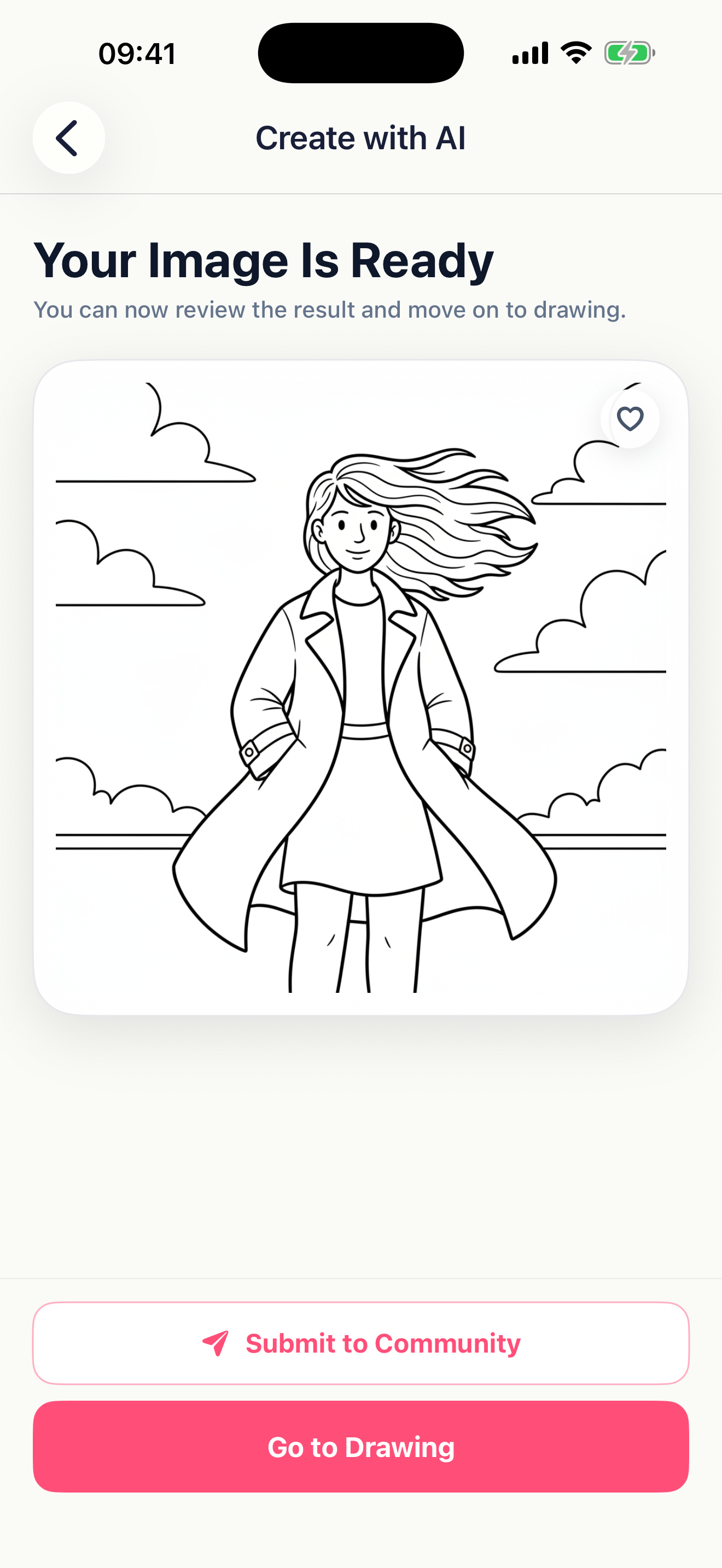
Type a prompt. Pick a difficulty — Easy, Medium or Hard. ARDraw turns your idea into a clean, traceable line drawing in seconds — ready to project, trace, and bring to life.
Build confidence with characters they love. A screen-positive activity parents actually feel good about.
Skip the "blank page" problem. Trace, learn proportions, develop muscle memory — and graduate to free-hand work.
Use AR projection to compose murals, plan tattoos, transfer references, or quickly mock up large-format pieces.
All plans include a 3-day free trial. Cancel anytime — no questions asked.
Try it out, casual use.
Start 3-day free trialMost flexible plan.
Start 3-day free trialJust $5.83/mo — save over 80%.
Start 3-day free trialSubscriptions automatically renew unless auto-renew is turned off at least 24 hours before the end of the current period. Manage or cancel in your Apple ID account settings. Read our Terms of Use and Privacy Policy.
"My 7-year-old refuses to put it down. She drew a unicorn that actually looks like a unicorn — and she's so proud."
"AR projection on a wall is a game-changer for mural prep. Saves me hours per piece."
"The AI mode is wild. I typed 'cat astronaut' and got a perfect outline to trace in seconds."
Download ARDraw on the App Store. 3-day free trial. Cancel anytime.
Download on the App Store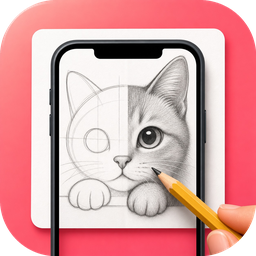 ARDraw